
Local SEO for Small Businesses: How to Show Up on Google Maps in 2026
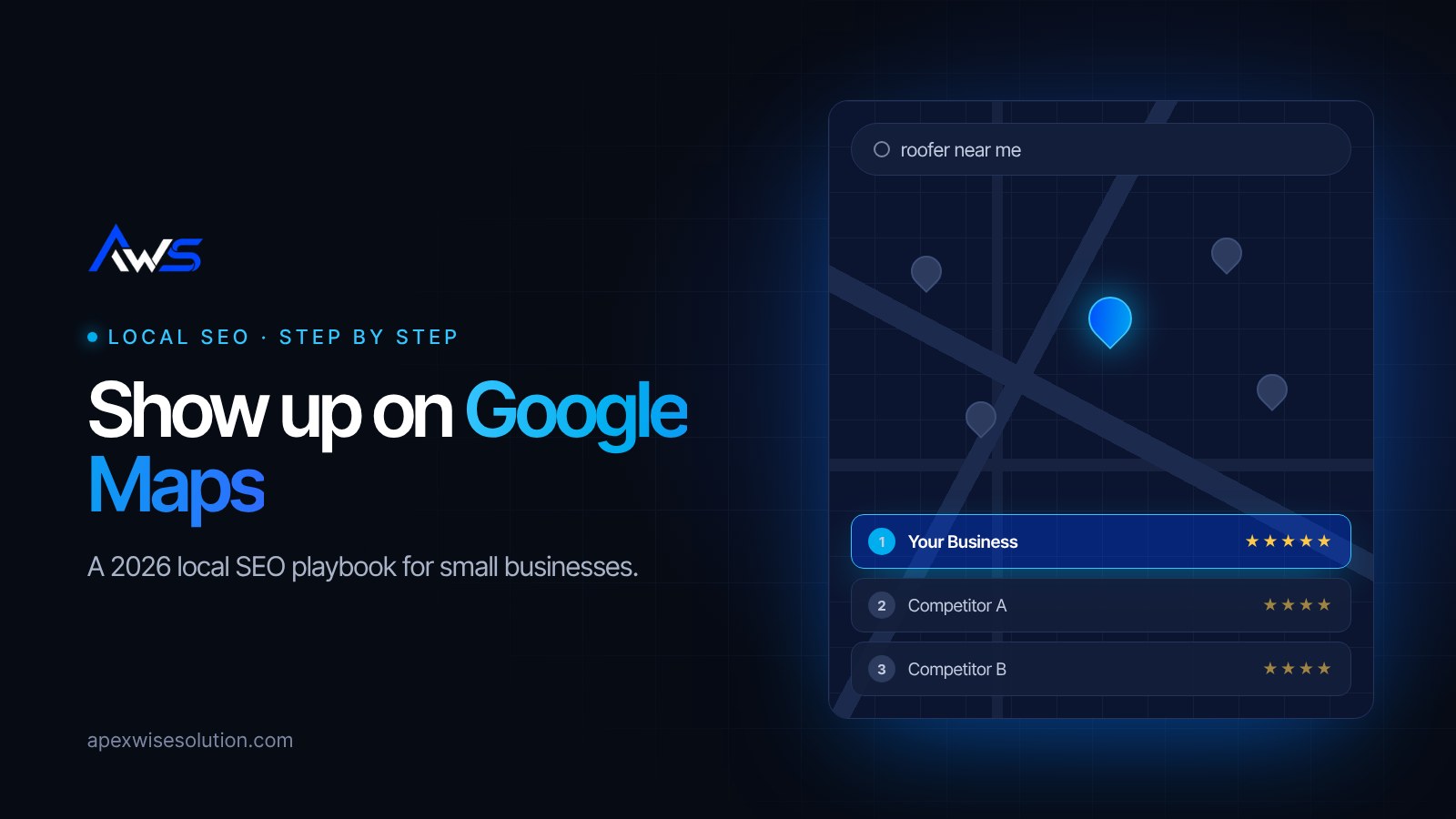
When someone searches "roofer near me" or "dentist in Dallas", Google shows a map with a short list of businesses above the regular results. That spot, often called the local pack, is where a large share of local customers make their choice. Getting into it is what local SEO is about.
The good news is that you do not need a big budget to compete. You need the basics done properly and done consistently. This guide walks through them step by step.
How Google decides who shows up on the map
Google has said that local results are based mainly on three things:
- Relevance: how well your business matches what the person searched for.
- Distance: how close you are to the searcher or the location in their search.
- Prominence: how well known and trusted your business is, based on reviews, links, mentions around the web and your website.
You cannot move your office, but you can improve relevance and prominence a lot. Every step below feeds one of those two.
Step 1: Claim and complete your Google Business Profile
Your Google Business Profile is the listing that appears on Maps. If you have not claimed it, do that first at google.com/business and complete the verification.
Then fill in everything:
- Primary category: choose the most specific one that fits (for example "Emergency dental clinic" rather than just "Dentist" if that is your main service). Add secondary categories for other services.
- Services and products: list each one with a short description.
- Service area and hours, including holiday hours.
- Business description that explains what you do and where, in plain language.
- Photos: your storefront, team, vehicles and real work. Add new ones regularly.
- Website link pointing to the most relevant page on your site.
Step 2: Keep your name, address and phone identical everywhere
Your business name, address and phone number (often called NAP) should match exactly on your website, Google profile, Facebook, Yelp and every directory. Different versions, such as an old phone number or "St." in one place and "Street" in another, make it harder for Google to be confident they are all the same business.
Put your NAP in the footer of your website so it appears on every page.
Step 3: Build a steady flow of reviews
Reviews are one of the strongest local signals, and they are also what customers read before choosing. What matters is a steady stream of genuine reviews, not a burst once a year.
- Ask every happy customer, ideally right after the job, with a direct link to your review form.
- Make it easy: a text message or email with the link, or a QR code at the counter.
- Reply to every review, good or bad, politely and quickly.
- Never buy reviews or offer rewards for them. It breaks Google's rules and can get your profile suspended.
Step 4: Give each service its own page on your website
A single "Services" page listing everything rarely ranks well. Create one page per main service, for example "Roof Repair", "Roof Replacement" and "Gutter Installation". Each page should explain the service, the areas you cover, typical questions and a clear call to action.
If you serve several towns, a page for each main area can help too, as long as each one has genuinely useful, specific content rather than the same text with the city name swapped.
Step 5: Get the on-page basics right
- Page titles that include the service and the location, such as "Roof Repair in Plano, TX | Your Company".
- A clear H1 heading on every page.
- Fast loading on mobile. Most local searches happen on phones.
- Click-to-call buttons and an obvious contact form.
- Local business schema markup, which helps search engines read your business details.
- A sitemap submitted to Google Search Console so new pages are found quickly.
Step 6: List your business in the right directories
Mentions of your business on trusted sites, often called citations, support your prominence. Start with the main ones: Bing Places, Apple Business Connect, Yelp, Facebook, the Better Business Bureau and your local chamber of commerce. Then add directories specific to your industry. Use exactly the same NAP on all of them.
Step 7: Earn local links and mentions
Links from other local websites tell Google your business is part of the community. Good sources include local news coverage, sponsoring a school or sports team, partnering with suppliers or related businesses, and joining local business associations.
Step 8: Post updates and answer questions on your profile
Use Google Business Profile posts to share offers, new projects and seasonal tips. Check the Questions and Answers section and respond to anything people ask. An active profile looks more trustworthy to customers.
Step 9: Track what is working
Your Google Business Profile shows how many people found you, called you or asked for directions. Google Search Console shows which searches bring people to your website. Check both monthly so you can see which services and pages are pulling their weight.
How long does local SEO take?
Some changes, like completing your profile and fixing your categories, can make a difference within weeks. Building reviews, content and links is a steady, ongoing effort, and most businesses see the clearest results over a few months. The businesses that win are usually the ones that keep going after their competitors stop.
Want help getting on the map?
At Apex Wise Solutions we handle local SEO for small businesses: Google Business Profile optimisation, service pages, citations and monthly reporting in plain English. Request a free local SEO check and we will show you where you stand against nearby competitors and what to fix first, or browse our services.