
Google Business Profile Optimization: A 15-Point Checklist for 2026
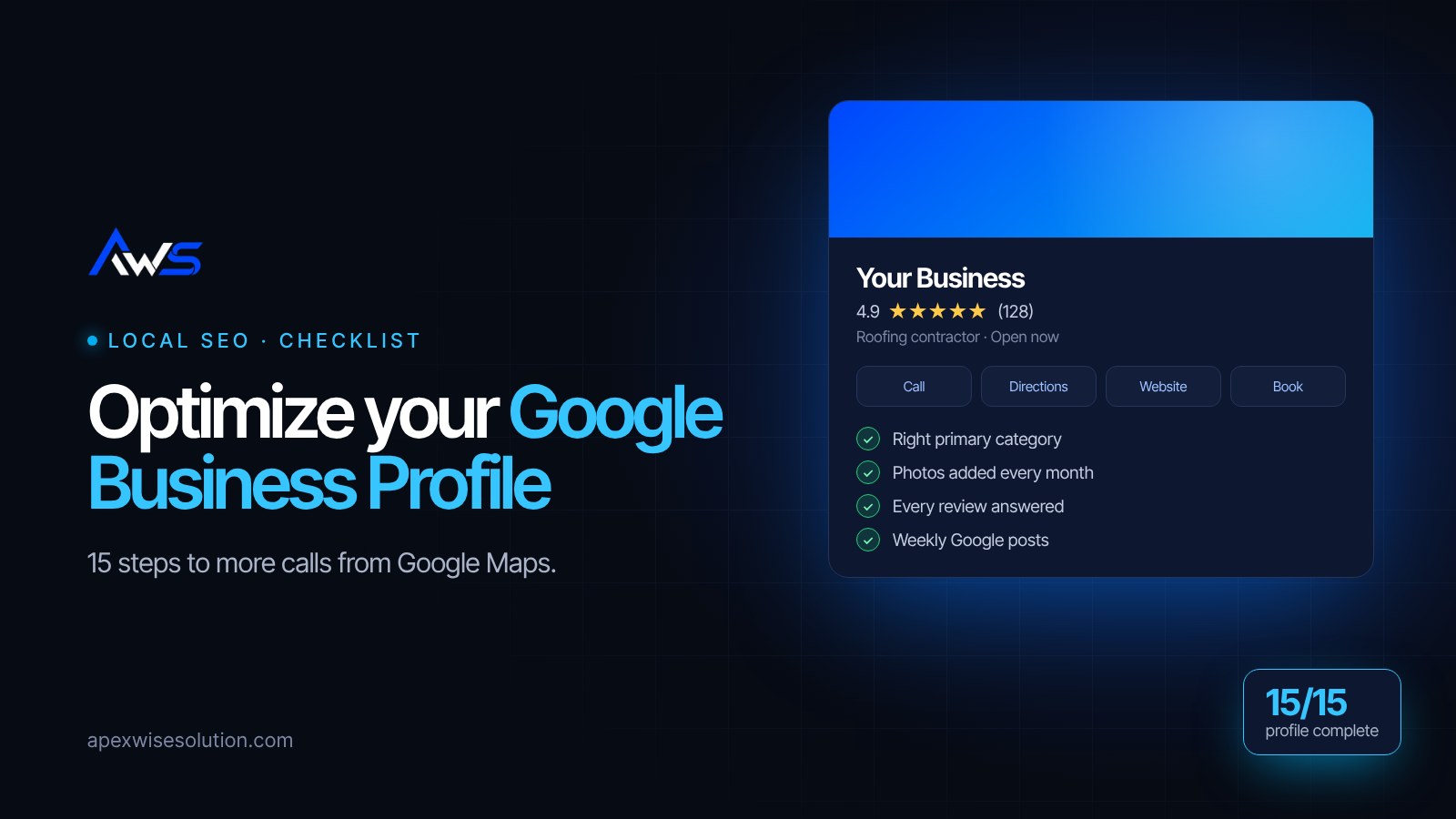
When someone searches "plumber near me" or "best dentist in Kalispell", Google shows a map with three businesses before any website. That box is powered by Google Business Profile (formerly Google My Business). For most local businesses, it brings in more calls than the website itself.
The good news: most profiles are only half finished, so a complete one stands out quickly. Work through this checklist from top to bottom.
The basics: get these exactly right
1. Use your real business name
Enter your name exactly as it appears on your sign and paperwork. Adding keywords, like "Joe's Roofing – Best Roofer Dallas", breaks Google's guidelines and can get your profile suspended.
2. Choose the right primary category
This is the single biggest ranking factor you control. Pick the most specific category that describes your main service, such as "Roofing contractor" instead of "Contractor". Search your top competitor on Maps to see which category they use.
3. Add secondary categories
Add a few secondary categories for the other services you offer, but only ones that are truly accurate. Five well-chosen categories beat fifteen loose ones.
4. Keep name, address and phone consistent
Your name, address and phone number (NAP) should match exactly everywhere: website, Facebook, Yelp, directories. Small differences like "St" vs "Street" are fine, but a different phone number or old address confuses Google.
5. Set your service area and hours
If you visit customers, set a service area by city or ZIP code. Add regular hours and update special hours for holidays. "Closed" when you're actually open loses calls.
Make the profile convince people
6. Write a helpful business description
You get 750 characters. Say what you do, who you serve and what makes you different, with your main service and city mentioned naturally in the first sentence.
7. List every service, with descriptions
Add each service you offer as its own item with a short description and a starting price if you're comfortable sharing it. This helps you show up for more specific searches.
8. Upload real photos, and keep adding them
Add your logo, a cover photo, photos of your team, your work, your vehicles and your location. Real photos build trust far better than stock images. Try to add a few new ones every month.
9. Add products or menu items if you sell them
Shops, restaurants and clinics can list products or treatments with photos and prices. These appear right inside your profile on mobile.
10. Turn on messaging and booking
Connect a booking link or a quote form if you have one, and only turn on messaging if someone will reply within a few hours.
Reviews: the part that moves rankings
11. Ask every happy customer for a review
Copy your review link from the profile ("Ask for reviews") and send it by text or email right after the job is done. A steady flow of new reviews matters more than a big burst once a year.
12. Reply to every review
Thank people for positive reviews by name and mention the service they used. Reply to negative ones calmly, offer to fix the problem and take the conversation offline. Future customers read your replies.
13. Never buy or fake reviews
Google removes fake reviews and can suspend profiles that collect them. Reviews from friends, family or staff count as fake. Real reviews from real customers are the only kind worth having.
Stay active
14. Post updates every week or two
Use Google posts to share offers, recent projects, seasonal tips or events. Posts keep your profile fresh and give searchers one more reason to choose you.
15. Answer questions and check your insights
Add common questions and answers yourself in the Q&A section. Once a month, check the performance tab: calls, website clicks and direction requests show you what's working.
Connect it to your website
Your profile and your website work together. Link to a page that matches the search (a service page, not just the home page), make sure your website shows the same name, address and phone, and add your city to page titles. If you don't have a website yet, your profile is doing all the work alone.
Want the full picture? Read our guide to local SEO and showing up on Google Maps.
Want us to check yours?
Apex Wise Solutions optimizes Google Business Profiles and websites for US small businesses. Send us your business name and we'll review your profile for free and send you a short list of fixes.
Get a free Google profile & SEO review or see our SEO and Google Maps service.